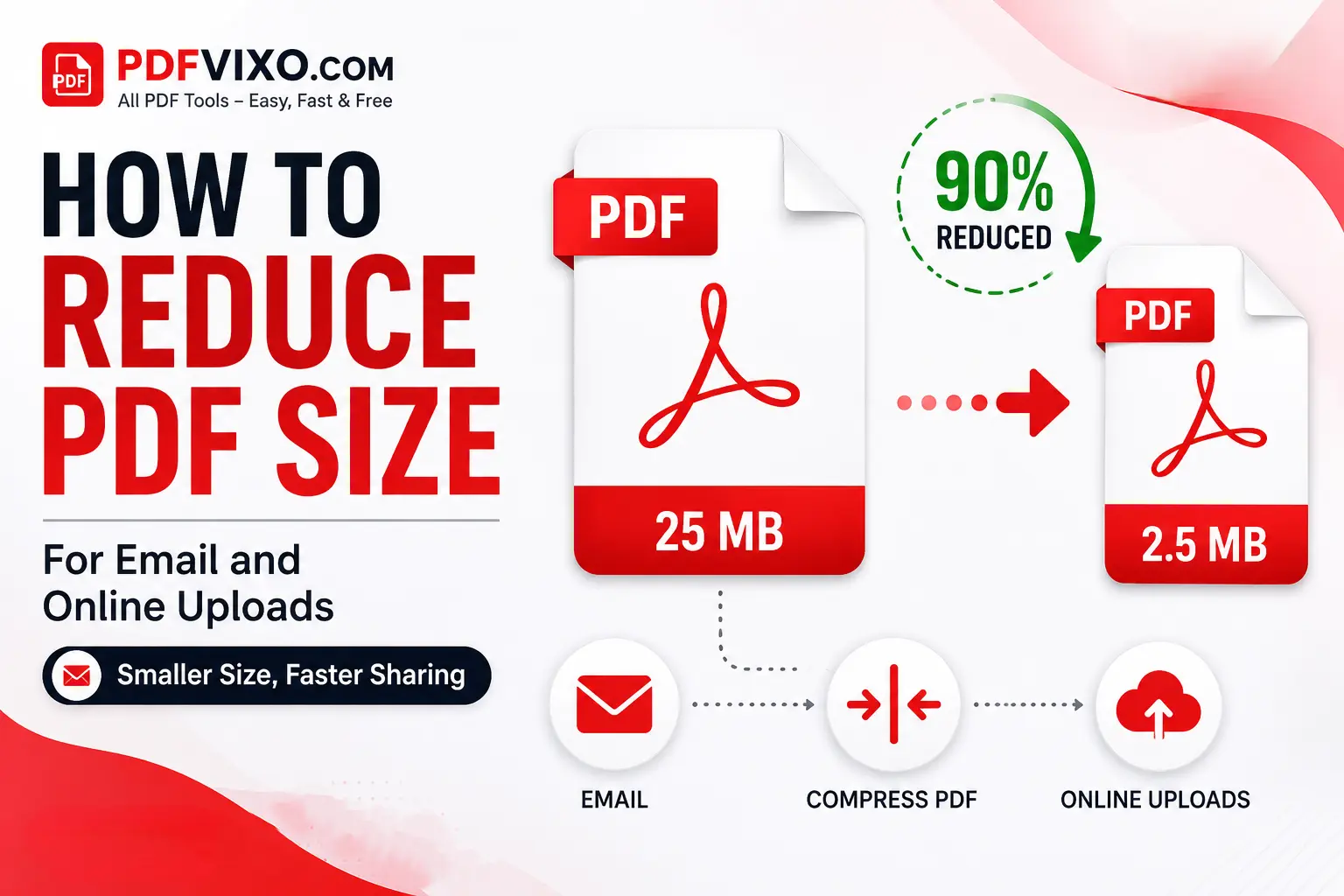
PDF is an easy and reliable way to send and share documents.When you try to upload your PDF to an email or a website you sometimes receive a message that the file is large. The large files are difficult to share because they take some time for sharing and uploading. This issue can be resolved by reducing file size by Compress PDF tool.In this guide you will know how to reduce PDF size and how it works.
How to Reduce PDF Size
You can reduce the size of a PDF in a few simple steps using a PDF compression tool.
Open your web browser.
Visit PDFVixo and select the Compress PDF tool.
Upload the PDF document you want to compress.
Choose the compression level that suits your needs.
Click the Compress PDF button.
Wait for the compression process to finish.
Download the compressed PDF and check its quality.
Why Are Some PDF Files So Large?
PDF file size can vary depending on what the document contains. A simple text based PDF may be very small, while a scanned document with many high resolution images can be much larger. Common reasons for a large PDF include:
High-resolution images
Large scanned documents
Unnecessary pages
Duplicate images or content
Embedded fonts and other document resources
Large image-based pages
Excessive document data
Why Reduce PDF Size for Email and Online Uploads?
Reducing PDF size can make sharing and uploading documents more convenient. Many email providers have attachment size limits, often around 20–25 MB, although the exact limit depends on the service. If your PDF file is larger than the allowed attachment size, the email may not be sent as expected. Compressing the PDF can help bring the file within the permitted limit.
Online platforms may also have their own upload restrictions. For example, a website may only accept files below a particular size. A smaller PDF is more likely to meet these requirements and can usually be uploaded more quickly. Reducing PDF size can also save storage space and make downloads more convenient, particularly for users with slower internet connections.
How PDF Compression Works
PDF compression reduces the amount of data stored in a PDF while keeping the document usable. Depending on the file, a compression tool may optimize images, remove unnecessary data, or reduce the amount of information required to display the document. The amount of compression depends on the original PDF. A document containing large images may become significantly smaller, while a text-only PDF may not see as much reduction. For this reason, it is important to choose a compression level that provides a good balance between file size and quality.
How to Reduce PDF Size Without Losing Quality
You do not always need to use the strongest compression setting. Excessive compression can reduce image clarity and make scanned documents harder to read. For better results:
Choose a balanced compression level.
Compress large images where possible.
Use an appropriate resolution for scanned documents.
Remove unnecessary pages and images by using Remove PDF pages tool.
Check the PDF after compression.
Keep the original PDF as a backup.
Benefits of Reducing PDF File Size
Reducing PDF size provides several practical benefits:
Faster Sharing
Smaller PDFs are generally easier and faster to send through email or messaging platforms.
Easier Online Uploads
A compressed PDF is more likely to meet the file-size requirements of websites and online forms.
Less Storage Space
Smaller documents take up less space on your phone, laptop, computer, or cloud storage.
Faster Downloads
Recipients can download smaller PDF files more quickly, especially when they have a slow internet connection.
Fewer File-Size Problems
Compressing a PDF before sending or uploading it can help prevent problems caused by attachment and upload limits.
Useful Tips for Reducing PDF Files
Compress the images before converting it into a PDF.
Remove the unnecessary,duplicate pages.
Choose the right compression level for the PDF.
Use low resolution to scan the PDF images.
After compression ,if the PDF is still large, convert it into a small PDF.
Compress the images before converting it into a PDF.
Remove the unnecessary,duplicate pages.
Choose the right compression level for the PDF.
Use low resolution to scan the PDF images.
After compression ,if the PDF is still large, convert it into a small PDF.
Common Mistakes to Avoid
There are a few mistakes users should avoid when compressing PDF files.
Using Excessive Compression
The strongest compression setting is not always the best option. It may make images blurry or reduce the readability of scanned documents.
Not Checking the PDF After Compression
Always open the compressed file before sharing it. Check important pages, text, images, and formatting to make sure everything still looks correct.
Keeping Unnecessary Content
Blank pages, duplicate pages, and unnecessary images can increase file size without providing any value.
Compressing the Same PDF Repeatedly
Repeated compression can affect the quality of some image-based documents. It is better to keep the original file and compress it again from the original when necessary.
Ignoring Upload Limits
Before uploading a PDF, check the website's maximum file-size requirement. This helps you choose an appropriate compression level.
Not Keeping an Original Copy
Always keep the original PDF somewhere safe. If the compressed version does not meet your quality requirements, you can create another compressed version from the original.