For students, digital education has made it easier to access, organize and manage study materials. Students can use digital documents to organize lecture notes, read research papers, complete assignments and share study materials with classmates. PDF is one of the most widely used document formats because it helps students keep information in a consistent and easily shareable format.
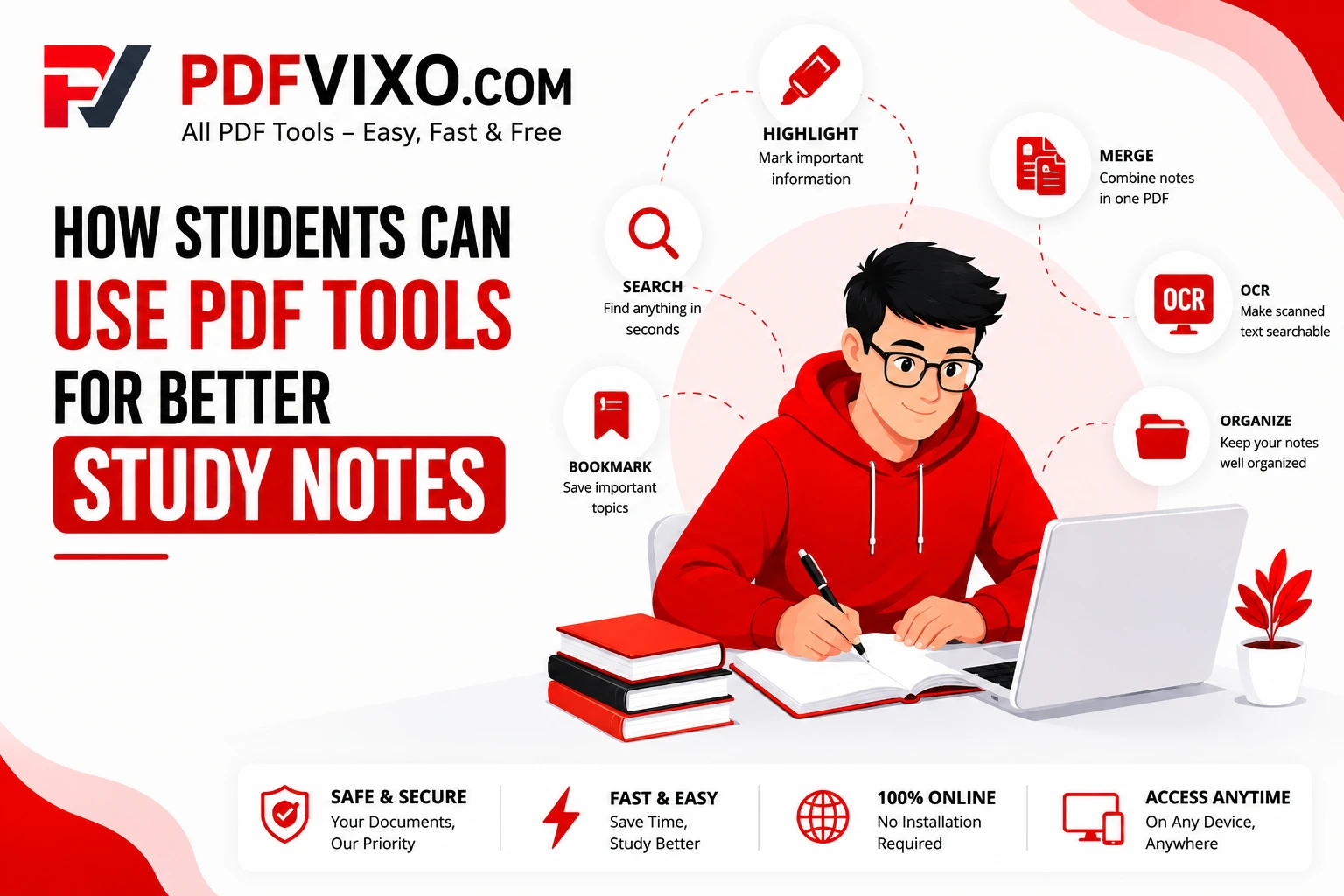
PDF tools can make studying and managing academic documents more convenient. Students can use them to highlight important information, search for keywords, combine multiple files, add bookmarks and comments, compress large documents, and convert scanned documents into searchable text.
What Are PDF Tools?
PDF tools are software applications and online services that allow users to create, edit, organize, convert, compress, and manage PDF files. Depending on the tool, users may be able to highlight text, add comments, merge or split documents, add bookmarks, compress files, convert PDFs into other formats, and use Optical Character Recognition (OCR).
Students can use these features to manage lecture notes, research papers, assignments, textbooks, and other study materials more effectively. For example, students can combine several lecture notes into one PDF, highlight important information, search for specific keywords, compress a large assignment before uploading it, or use OCR to make scanned documents searchable.
How Do PDF Tools Work?
PDF tools provide different features for managing and modifying digital documents. Depending on the software or online service, students may be able to edit text, add comments, highlight important information, merge or split PDF files, compress large documents, add bookmarks, and convert files into different formats.
OCR can recognize printed text in scanned documents and convert it into machine readable text. This can make scanned pages searchable and, depending on the accuracy of the OCR and the software used, editable. However, OCR results may not always be accurate, especially when documents contain poor-quality scans, unusual fonts, or handwriting. These features can help students organize their study materials, find information quickly, review important topics and share documents more efficiently.
Why Is Organizing Study Notes Important?
Well-organized study notes make it easier to find important information, review lessons, and prepare for examinations. Instead of searching through many separate files, students can organize their notes by subject, course, chapter or semester. Digital PDF notes can also provide useful features such as:
Keyword searching
Bookmarks
Highlights
Comments and annotations
Easy sharing
File organization
Editing documents
Why Should Students Use PDF Tools for Better Study Notes?
PDF tools can help students manage their study materials more efficiently. Different features can be useful for different study tasks.
Highlighting important information: Students can highlight definitions, important concepts, formulas, or key points for easier revision.
Searching for keywords: Instead of manually going through every page, students can search for specific words or topics in searchable PDFs.
Combining documents: Students can merge lecture notes, reading materials, and related documents into a single PDF for easier access.
Using bookmarks: Bookmarks can help students quickly access important chapters, sections, or pages.
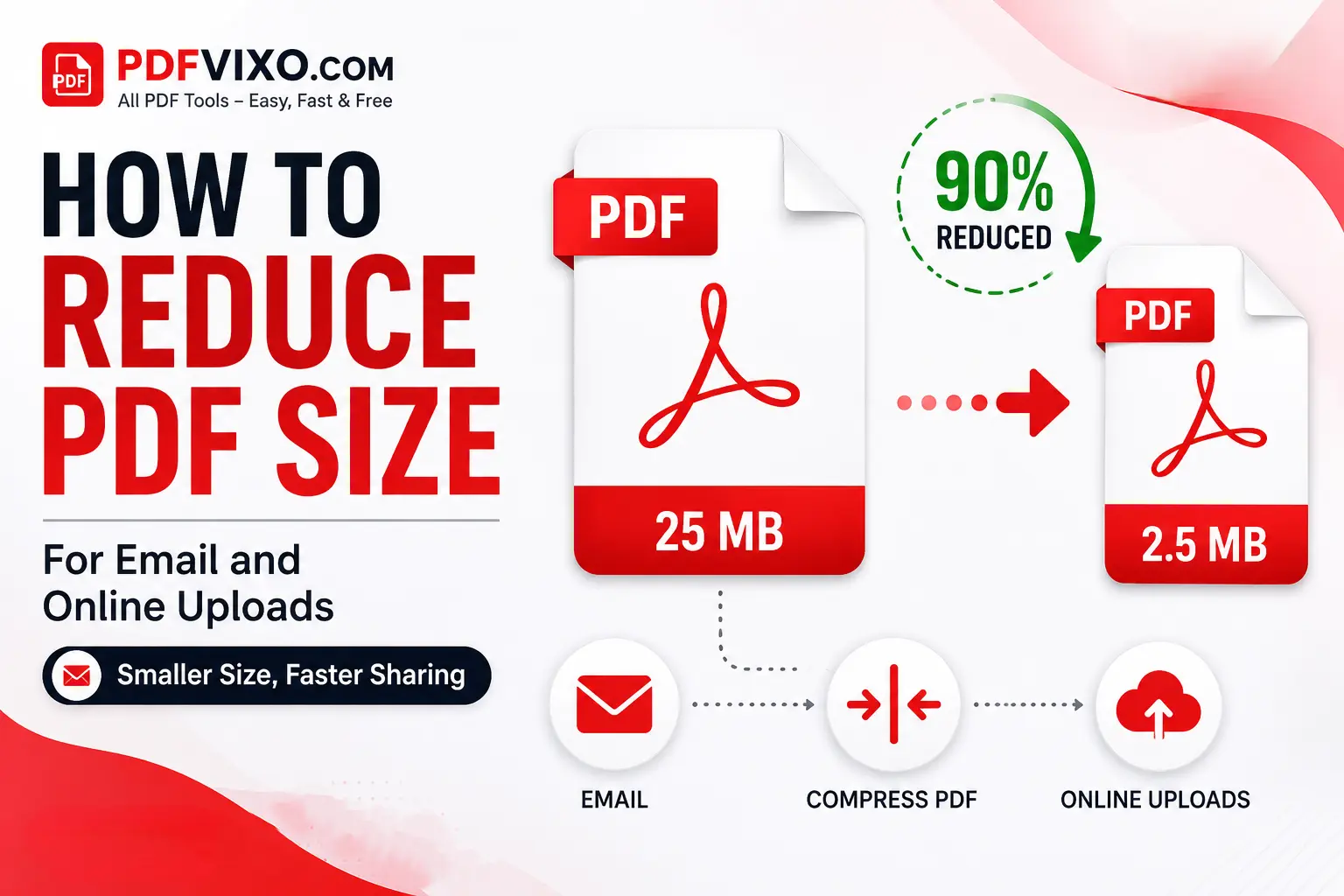
Compressing large files: PDF compression can reduce file size when a large assignment or study document needs to be uploaded or shared. However, excessive compression may reduce image quality.
Using OCR: OCR can make scanned printed documents searchable, which can be useful when studying scanned books, handouts, or other materials.
Adding comments and annotations: Some PDF tools allow students to add notes, comments, or annotations to study materials.
How Do I Use PDF Tools for Studying?
I organize my study materials into separate folders for each subject. I combine related notes into a single PDF when appropriate, use bookmarks for important chapters, and use keyword search when revising. Before submitting an assignment, I check the final PDF to make sure the formatting is correct and reduce its size if necessary. Students can also follow a simple workflow:
Create separate folders for different subjects.
Give PDF files clear and meaningful names.
Combine related lecture notes when it makes sense.
Add bookmarks for important chapters or topics.
Highlight important information for revision.
Use OCR when working with scanned printed documents.
Check the final document before submitting an assignment.
Keep a backup of important study materials.
Benefits of Using PDF Tools for Study
Combine Study Materials in One Place
PDF tools can help students combine related notes, chapters, handouts, and other documents into one organized file. This can make study materials easier to find during revision.
Find Information Quickly
Search functions allow students to find specific keywords or topics without manually checking every page. This can be particularly useful when preparing assignments, presentations, or examinations.
Access Study Materials Across Devices
PDF files can generally be viewed on computers, tablets and smartphones. However, the features available for editing or annotating PDFs may vary depending on the device and software.
Share Notes for Comments and Feedback
Students can share PDF documents with classmates or teachers for review and feedback. Some PDF and document collaboration tools also allow users to add comments or annotations.
Support Exam Preparation
Organized PDF notes can make revision more efficient. Students can use highlights, bookmarks, search functions, and annotations to review important topics and locate information quickly.
Useful Tips for Managing Study PDFs
Organize Files into Different Folders
Create separate folders for different subjects, courses or semesters. This makes it easier to find study materials when needed.
Rename Files Properly
Use clear and meaningful file names. For example, instead of using a name such as Document1.pdf, use a name such as Biology_Chapter_03_Notes.pdf.
Reduce File Size When Necessary
Compress large PDF files when you need to upload or share them. Always check the final file to make sure the text and images are still readable.
Create Bookmarks
Use bookmarks for important chapters, sections, or topics so you can quickly return to them during revision.
Store Important PDFs Safely
Keep backups of important study materials on a reliable storage service or external device. For particularly important files, consider keeping more than one backup.
Keep PDF Tools Updated
If you use desktop or mobile PDF software, keep it updated to receive available security fixes, bug fixes, and performance improvements.
Use OCR for Scanned Documents
Use OCR when you need to search scanned printed documents. Always review the extracted text because OCR can sometimes produce errors.
Avoid Unnecessary Editing
Avoid making unnecessary changes to original study materials. When possible, keep a copy of the original file before making significant edits.
Be Careful With Online PDF Tools
Avoid uploading confidential or sensitive documents to unfamiliar online PDF services. Before using an online tool, review its privacy and security information and make sure you understand how your uploaded files are handled.
Common Mistakes Students Should Avoid
Poor PDF Organization
Keeping all files in one folder can make it difficult to find important notes. Organize PDFs by subject, course, semester, or topic.
Forgetting to Save Changes
Always make sure important changes and annotations are saved before closing the document.
Ignoring File Size
Very large PDFs can be difficult to upload or share. Compress them when necessary, but check the final quality after compression.
Not Keeping a Backup
Do not rely on a single copy of important study materials. Keep a backup to reduce the risk of losing your notes.
Not Checking the Final PDF
Before submitting an assignment, open the final PDF and check the formatting, page order, images, text, and other important details.
Relying Completely on OCR
OCR can save time, but it is not always perfect. Always check OCR-generated text for errors before using it in an assignment or research work.
Using Untrusted PDF Tools
Avoid downloading software or uploading documents to suspicious websites. Use reputable PDF tools and check their privacy and security practices before using them.